In class, in typical James style, he gave us a website, ‘Groove Pizza‘ and said “Tell me how it works!” We found out that ‘Groove Pizza’ is a circular rhythm creator. Its like a step sequencer but you can see how it loops as a circle! It’s a great resource to use as it clearly visualises how sequencing works as a cycle.

Groove Pizza: Trap beat
Continuing on, we explored other various step sequencing hardwares, softwares and apps.
- Roland TR8 – Rhythm Performer – step sequencer – there is only one line per sound, but you can change the instrument to add to the track and also create multiple tracks.

- io808.com – Rhythm Composer – basically a step sequencer, but available online and its free! This is wonderful if you can’t afford to buy the hardwares but want the students to have a try at step sequencing.

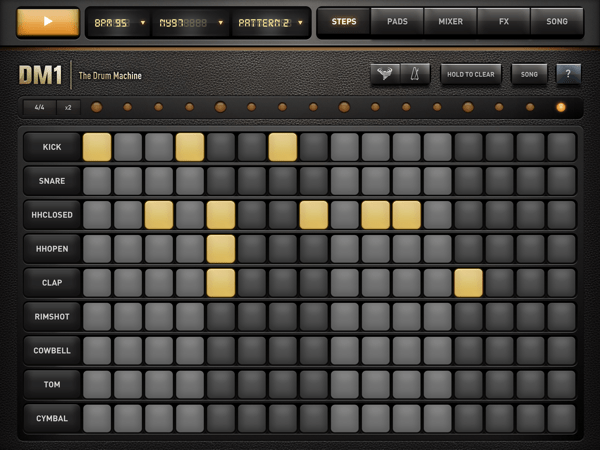
- DM1 – The Drum Machine – its step sequencing app on iPads but different to those above, you can see the other instruments all at once and also, you can change the type of percussion kits you want.
There were other various cool hardware and apps for mixing music!
- Numark – Mixtrack – DJ Controller – a DJ mixer which you mix two songs at the same time.

- Novation Launchpads – hardware, software & app
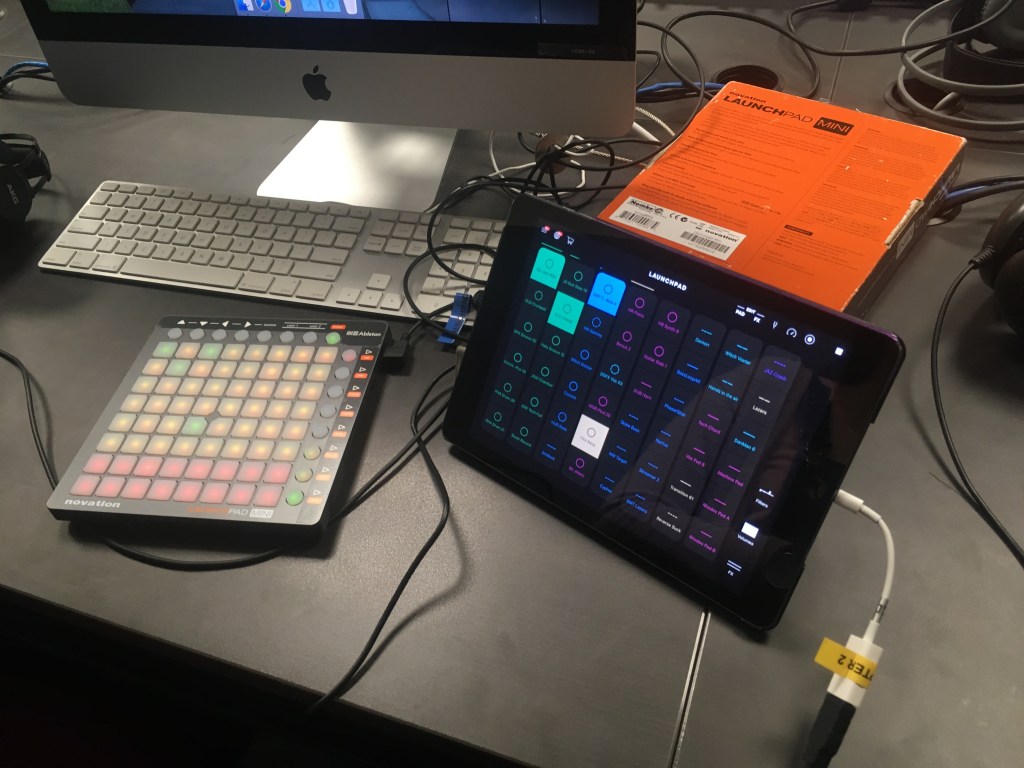
Watch at: https://drive.google.com/open?id=1XdRJxMTBR2xAyf2R5HURGNIsntjBtJbF
- Ableton Live linked with Push – mixing music on Ableton and using Push as a instrument ‘with a push of a button’
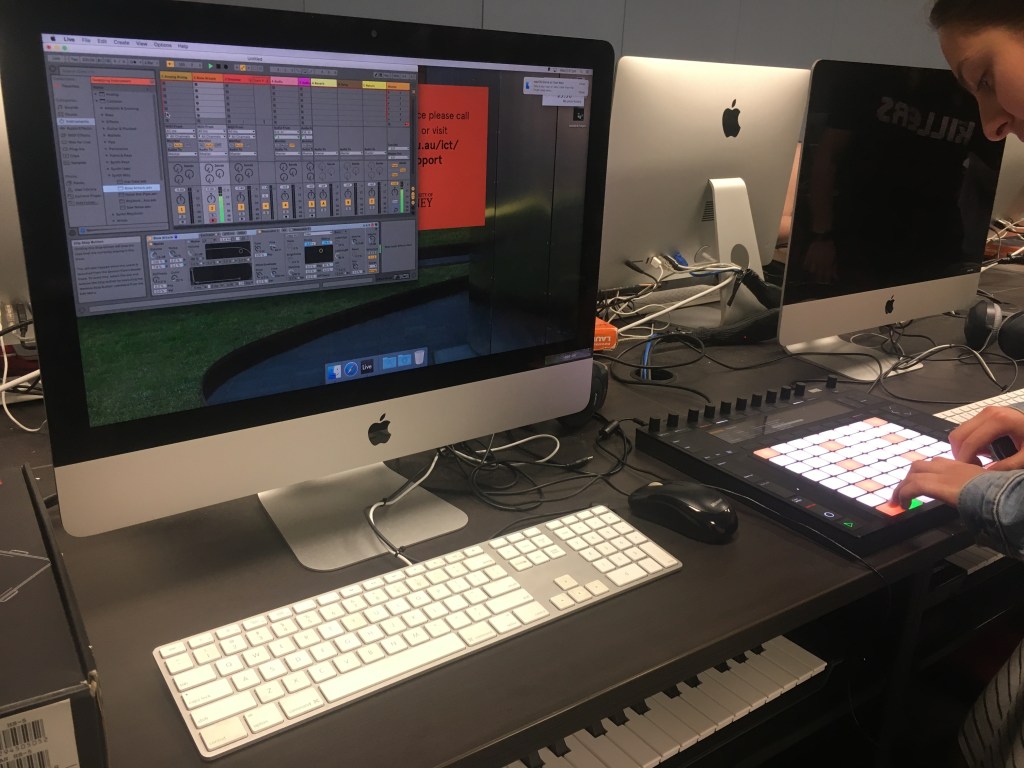
Ableton Live 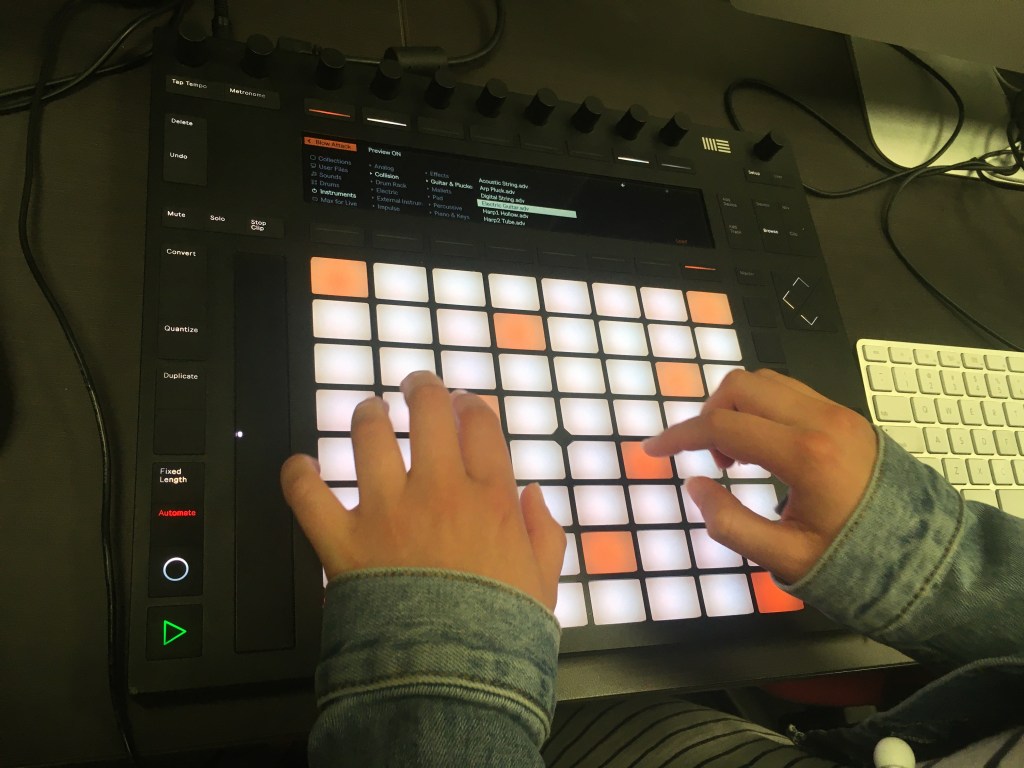
Push
There are so many ways of learning with these tools!
 HI MUSED TECH