Guest Speaker: Camilla Corbett
Today our Camilla came and talked about how technology can be used effectively in music classrooms and some tips!
Now days, BYOD (Bring Your Own Device) is quite common in high schools and we want to make full use of this system. Using Google Sites is one of the tools to do this (sites.google.com). With Google Sites, making a digital resource is simple and easy.
Camilla created a resource that will effectively teach her students about Theatre Music. In her Google Site, different pages for listening, history, learning the music composing, etc. In groups, the students completes 15 min activities and each group does different things at a time. The students all have their own devices and can work at their own pace. This way all the work is scaffolded and you can track the student’s progress.

Camilla’s Google Site: Theatre Music 
- Tip: Quiz games similar to Kahoot! & Quizlet: https://quizizz.com/join/
Of course, there are always pros and cons to everything and starting the independent digital work too early may be ineffective. For younger high school students, it might be too much for them to start indenpendent work without guidance or they might not know how to use technology that well. It is good to slowing mix the technology and independent learning and make sure to break it down.
Google classroom is another wonderful tool for teachers as is essentially a classroom online where the teacher can give instructions/homework, and the students can submit it on class site.
To get us familiar with the Google tools, Camilla gave us a ‘Google Challenge’ and from Google Classroom, we had to follow a series of instructions.

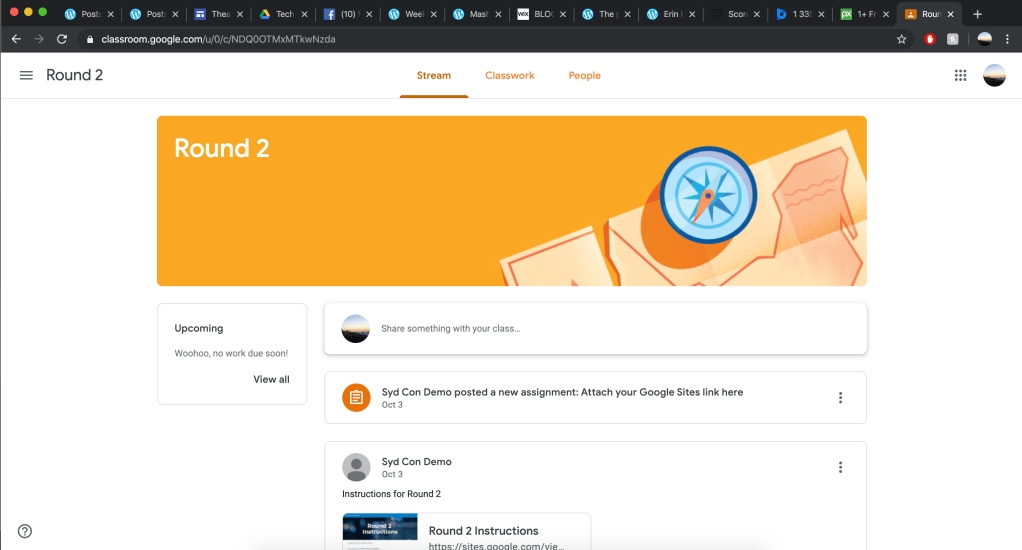
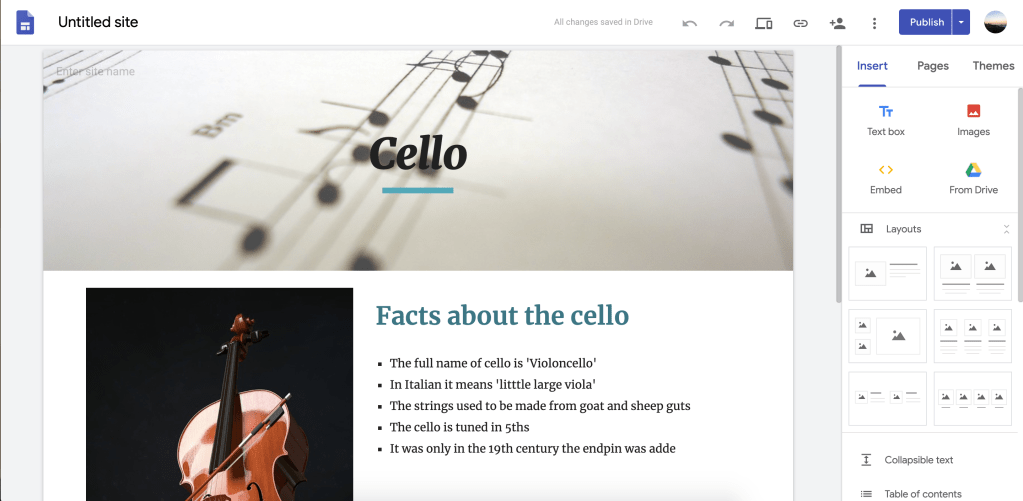
One of the instructions was to create a info page on Google Sites:
And Finally~~~~~

Other useful tools:
- Google Slides
- Google Quiz which you can create quizzes and even lock google search!
- Chrome Music Lab (worth checking out!)
 HI MUSED TECH