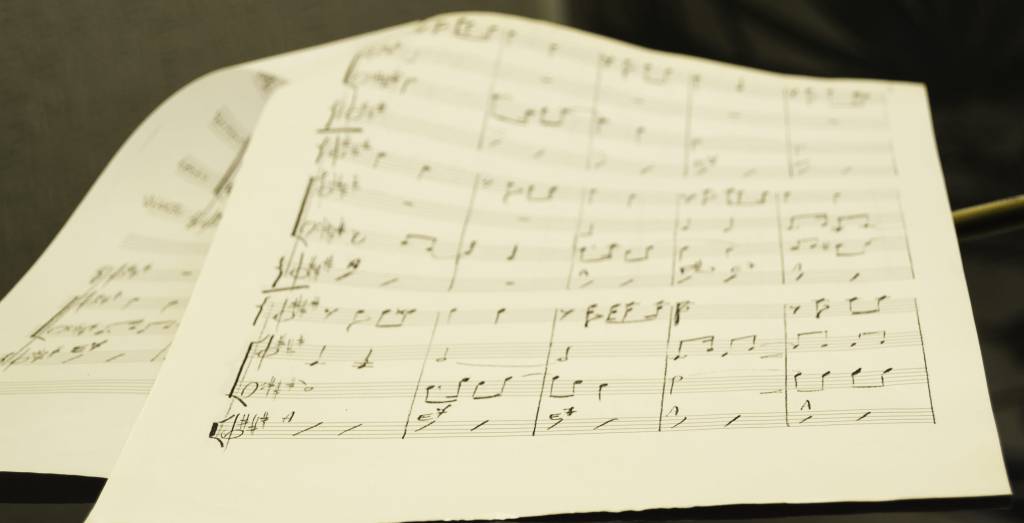
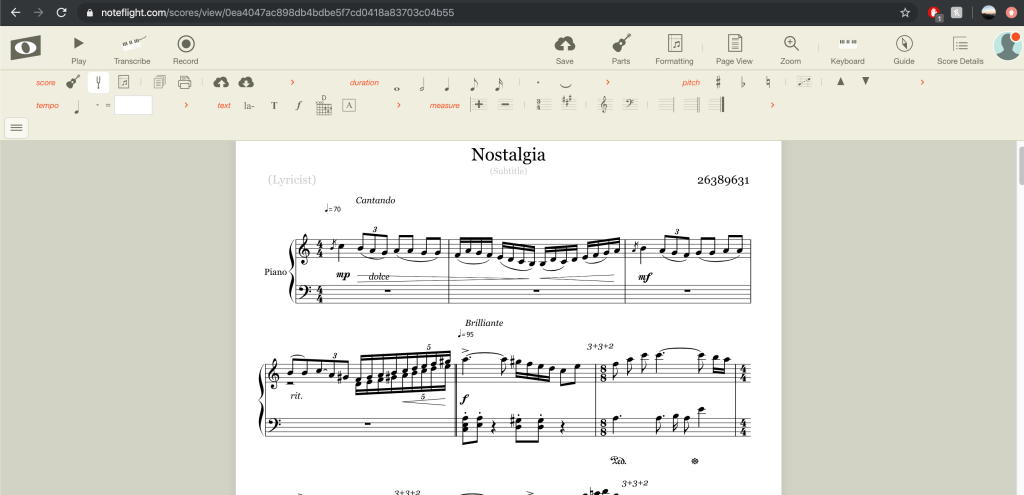
With the development of technology, we have other options besides writing pencil to paper notation (though there is nothing wrong with it and many prefer to do so) and save so much time by using music notation softwares.
Besides the more well-known softwares such as Sibelius and Finale, there are notation apps that can be more convenient to use as you can write in the notes with a touch-screen pen, along with shortcut tools. These are:
- Notate Me – learns your handwriting
- StaffPad – makes you follow a particular handwriting
- Notion – can compose anywhere (app+software)
Other notation softwares are:
- Dorico – similar standard to Sibelius and Finale – clean font
- Musescore – an open source which people can freely update the software
- Noteflight – online software with limited tools
- Flat.io – Similar to Noteflight
- Awesome fact: Soundtrap’s MIDI can export to and import from Noteflight and Flat.io. This means DAWs can be written as notations with a click of a button and MIDI from the notation software can be used in sequencing!

As music teachers we will be creating many resources and using music notation softwares. Therefore, it is worth learning the shortcuts in the softwares to save time, especially, Sibelius has many tutorials available (e.g. YouTube: Tantacrul Sibelius).
AND!!!! INFO THAT WILL SAVE ME IN THE FUTURE!!!
Instead of taking screenshots of music on Sibelius/Musescore that has scrunchy backgrounds and the screenshots becoming blurry, *Drum roll* You can screen clip IN the softwares which comes out CLEAN and with a WHITE BACKGROUND (had I been living under a rock!?)!!!
In Musescore:
- Click the ‘camera’ button at the top right
- Highlight the area
- Copy + Paste = TADA!

In Sibelius:
- Press Alt + g
- Highlight
- Copy + Paste = DONE!

Another amazing time saving tip! Sibelius can MAKE MUSIC WORKSHEETS FOR YOU!
Follow steps: Sibelius -> File -> Teaching -> Worksheet Creator -> Bam! There are hundreds of worksheets you can use! (Thank you James!)
 HI MUSED TECH